All topics
Connecting the Print Bridge
How to connect the Beam Print Bridge with power, USB, and LAN for label printing.
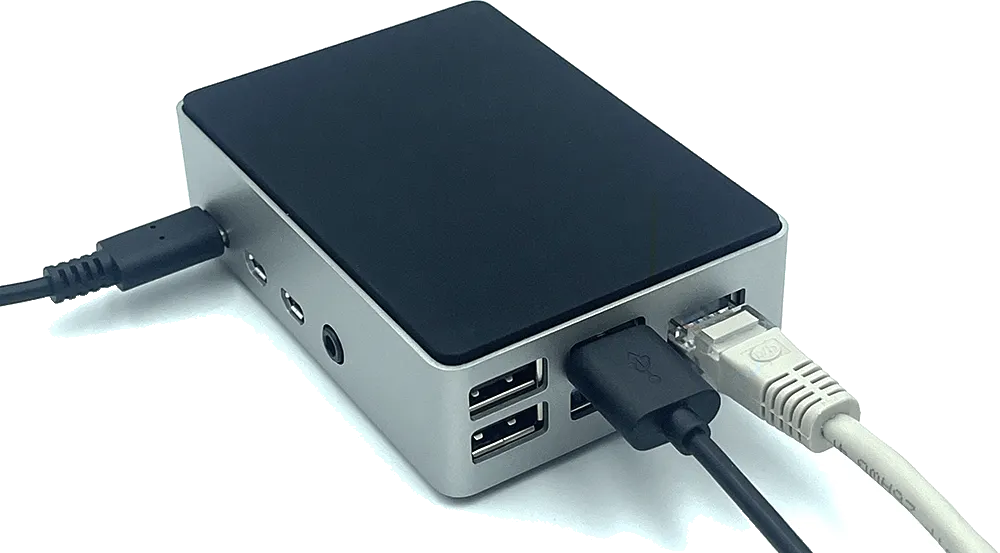
This guide covers the Print Bridge with the connections pictured below. Use the supplied power adapter.
Connect with three cables
Connect the bridge as shown below:
- Power: USB-C power adapter on the long side.
- USB: Connect the printer cable (USB-A) to the USB port.
- LAN: LAN cable in the LAN port.