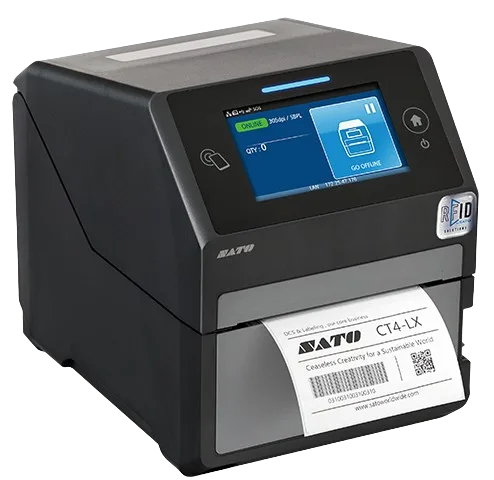
SATO CT4-LX 203dpi
Compact RFID label printer for smaller volumes
From €2,241
Printers
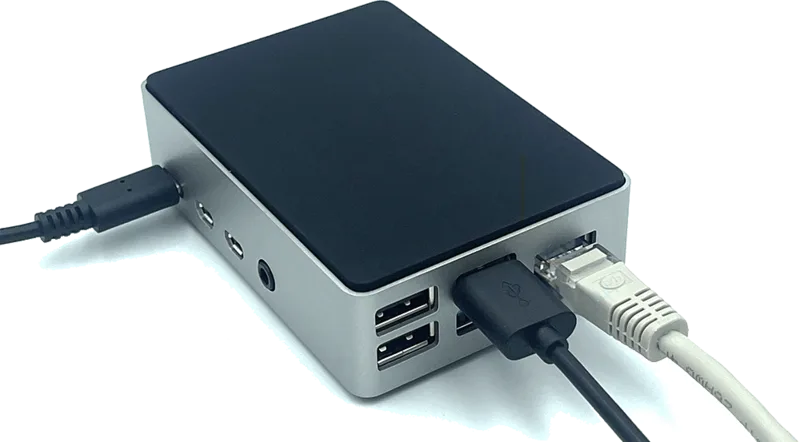
The bridge between your printer and the Beam platform. Establishes a cloud connection so you can send print jobs from any device, manage templates centrally, and monitor printers remotely. Plug & play. No driver setup needed.
The Print Bridge sits between your printer and the internet. Connect the Bridge to your printer via USB and to your network via Ethernet. Within minutes, your printer is cloud-connected and ready to receive print jobs from the Beam platform.
The Print Bridge updates itself automatically. New features, security patches, and printer compatibility improvements are deployed over the air. Monitor printer status, consumable levels, and print queues remotely from the Beam dashboard.
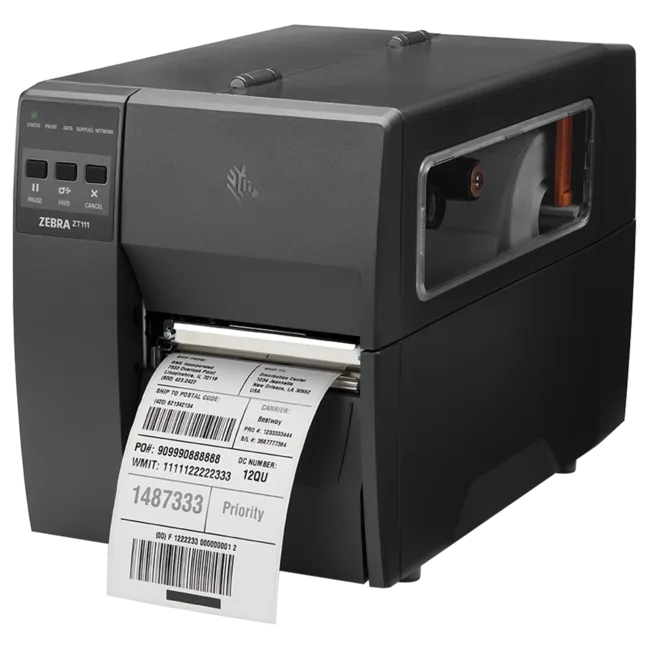
The Print Bridge works with all compatible label printers including the SATO CT4-LX, SATO CL4NX, Zebra ZT111, and many others. It supports ZPL, SBPL, EPL and other common printer languages. Contact us to confirm compatibility with your specific printer.
Yes, each fixed printer needs its own Print Bridge for cloud connectivity. The exception is the Zebra ZQ521 mobile printer, which connects directly to the Beam app via WiFi or Bluetooth without a Print Bridge.
The €25/month subscription covers the cloud connection service, automatic updates, remote management capabilities, and technical support. Without the subscription, the Print Bridge cannot maintain its cloud connection to the Beam platform.
Setup takes minutes. Connect the Print Bridge to your printer via USB, connect it to your network via Ethernet, and power it on. The Bridge automatically registers with the Beam platform. No drivers, no software installation, no IT department needed.
If the internet connection is temporarily lost, the Print Bridge will reconnect automatically when the connection is restored. Print jobs sent during the outage will be queued in Beam and delivered once connectivity resumes.
A reader’s ability to connect does not prove that every tag can be read reliably in every environment. That is why hardware, tags, products, read zones, volumes and exceptions are tested together before any performance commitment becomes part of the scope.
Product specifications describe the device. The right model, connectivity, availability and price are confirmed in your quote.
Discuss your requirements →