Implementation
Set up Beam around the way you work.
We start with one everyday task: picking an order, receiving a delivery or counting stock. Together, we configure Beam around that process and test it with your team before expanding to more workflows or locations.
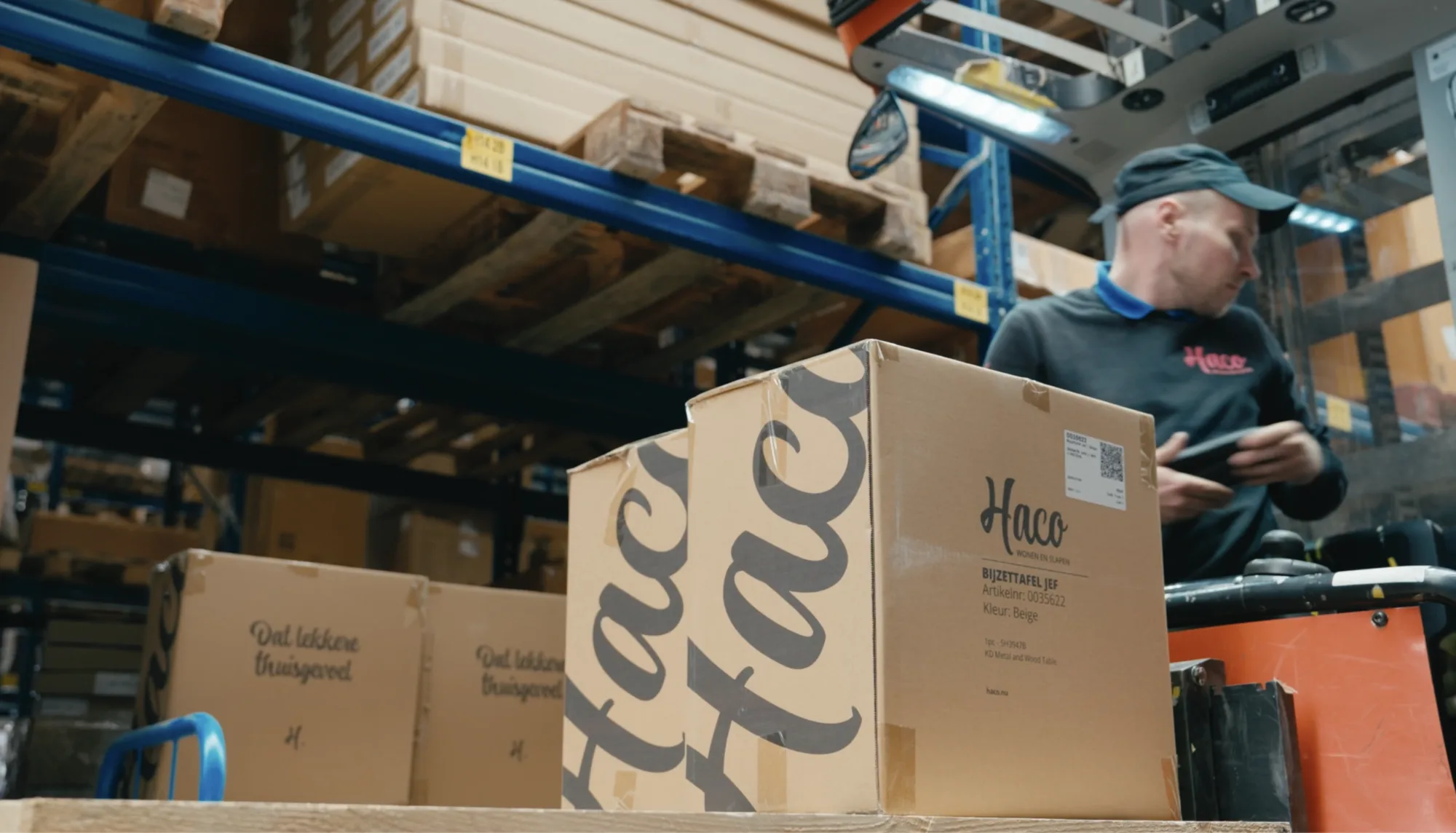
01 Your team
Built around the people doing the work.
Importing your product list is just the beginning. Your team needs to find the right location, record the correct product and know what to do when stock does not match the records. We cover all of that during setup and testing.
02 The approach
From setup to daily use, step by step.
We agree in advance which process to tackle, who needs to be involved and what must work before you go live.
-
01
Choose the first process
Where do you lose time or make mistakes today? Together, we choose one process, identify the people involved and agree what stays in your current system.
-
02
Decide what to record
Decide which products to track by quantity and which to track individually. Then choose where barcodes or RFID will help. You can start without RFID.
-
03
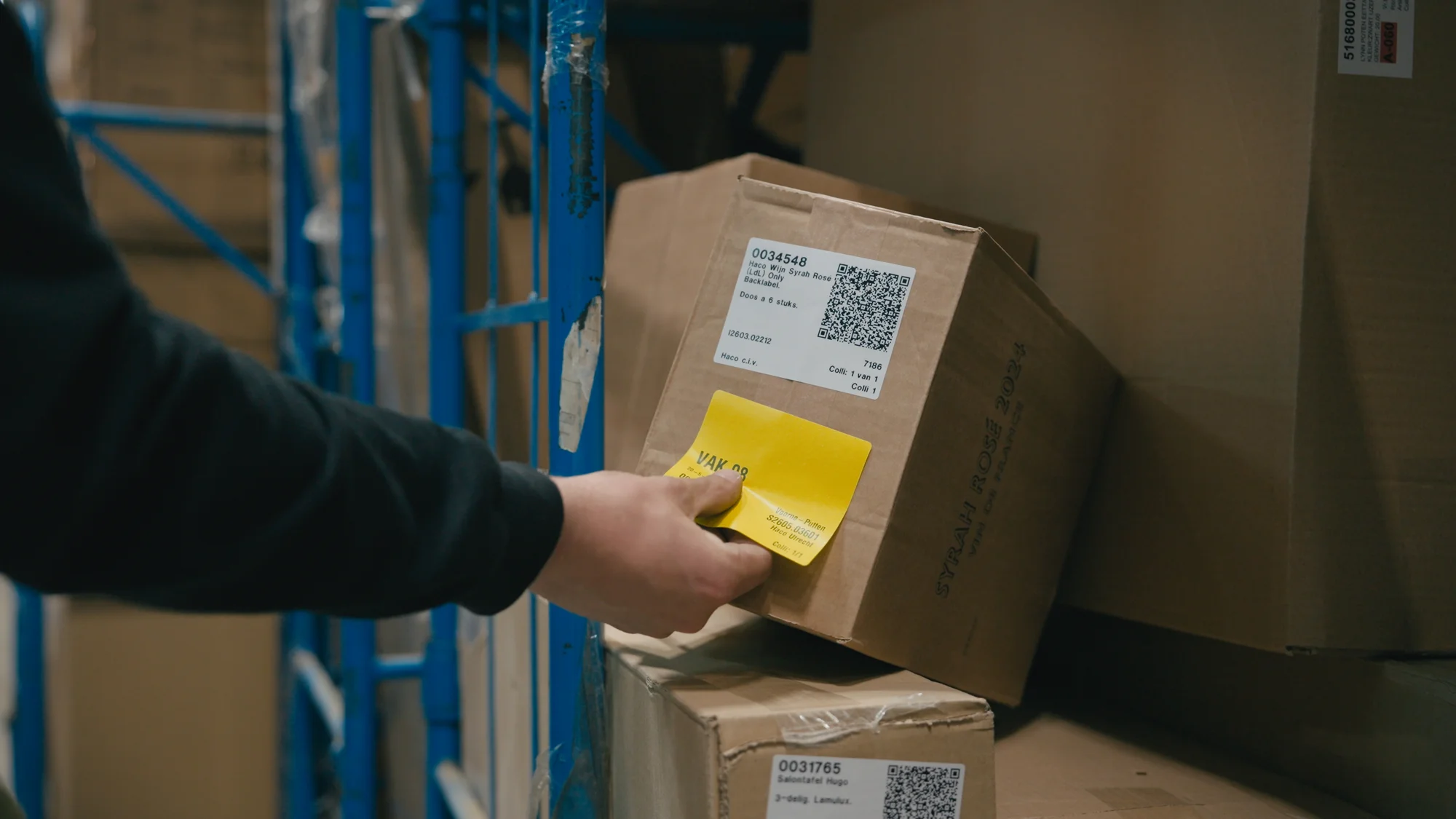
Prepare your workplace
We agree on locations, labels and the steps your team follows. Who receives goods, who counts and who can correct a discrepancy? The setup reflects those responsibilities.
-
04
Prepare your data
We check and import the products, locations and inventory you need. Using an integration? We also test what comes in, what goes back and what happens if a message cannot be processed.
-
05
Test with your own products
Your team tests the process in your store or warehouse, using their everyday devices, typical quantities and challenging situations. With RFID, we also test labels, materials and the places where you read them.
-
06
Start with a small team
An initial team uses Beam for the agreed process. We check that the workflow is clear, records are correct and errors can be resolved. We adjust anything that does not yet work.
-
07
Expand step by step
Once the first team can work as agreed, you can add more people, processes or locations. We arrange training and agree on support. After launch, we keep looking at where discrepancies arise.
03 Before you go live
What needs to work before you go live.
We assess the agreed workflow in practice, including missing products, unreadable labels and integration failures.
- Your team can carry out the process and knows what to record.
- Products, locations and quantities are correct for your first process.
- Labels and devices work with your products in the places where you use them.
- Your team knows what to do about missing products, discrepancies and duplicate requests.
- After an interruption, it is clear how work resumes and who resolves the error.
- Permissions and responsibilities are configured, and the required integrations have been tested.
04 Start small or roll out further
A rollout that fits your business.
| One process Start smallCount stock in one store or receive deliveries in one warehouse, for example. A clear starting point for your team. | Multiple locations Expand to more sitesMore teams, locations or connected systems, with clear agreements on how they work together and the rollout sequence. | |
|---|---|---|
| Preparation | Products, locations and roles for the first process. | Alignment across each location, team and system involved. |
| Practical testing | The chosen process, with your own team, products and devices. | Also the interactions between locations, integrations and any RFID installations. |
| Rollout | Start with the team involved, then add more processes. | An agreed sequence by team, process or location. |
Which process would you improve first?
Tell us how you work today, which system you use and where your team gets stuck. We will discuss what it takes to get started with Beam.