RFID Readers

Supported models, setup, and configuration

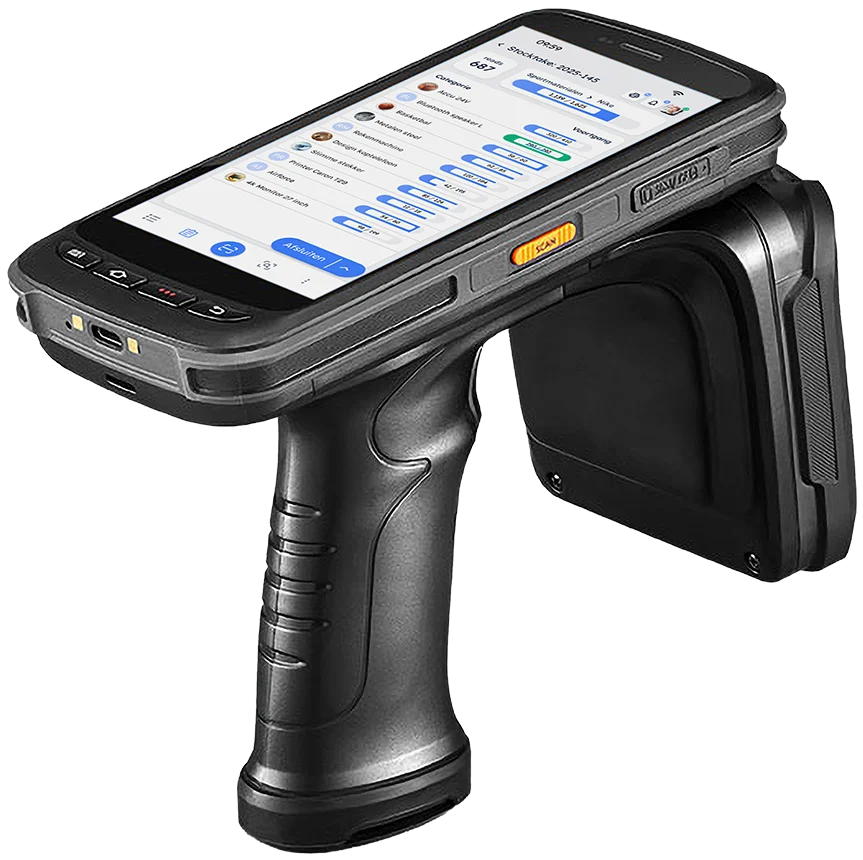
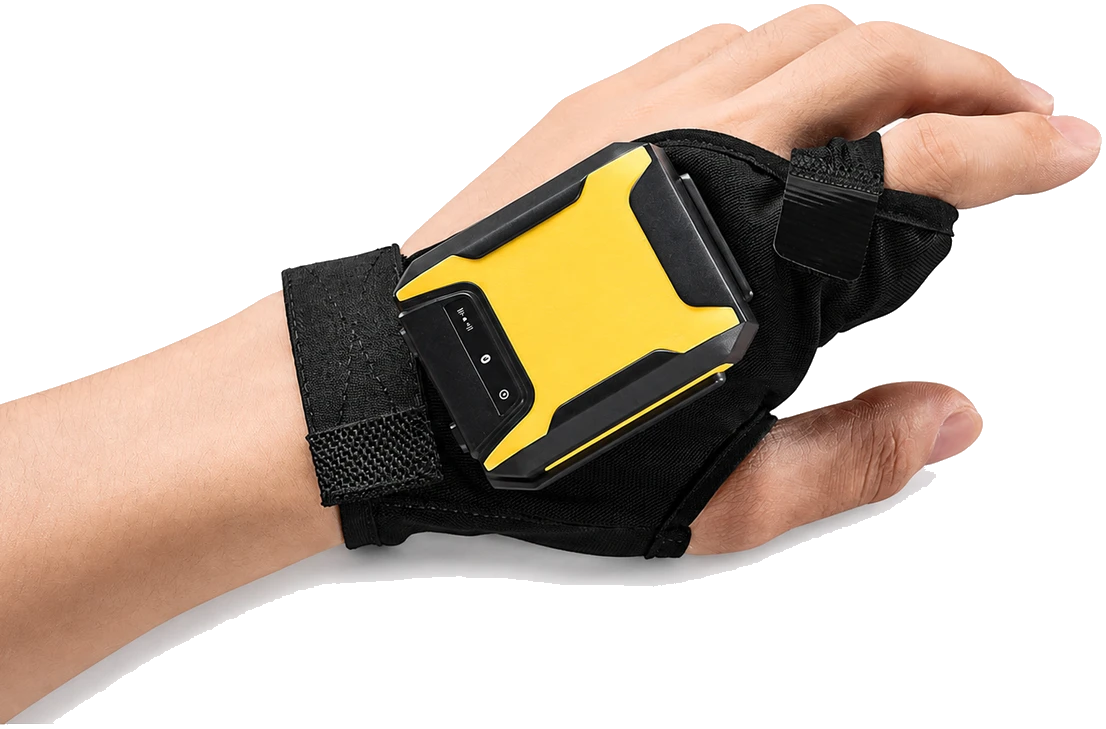
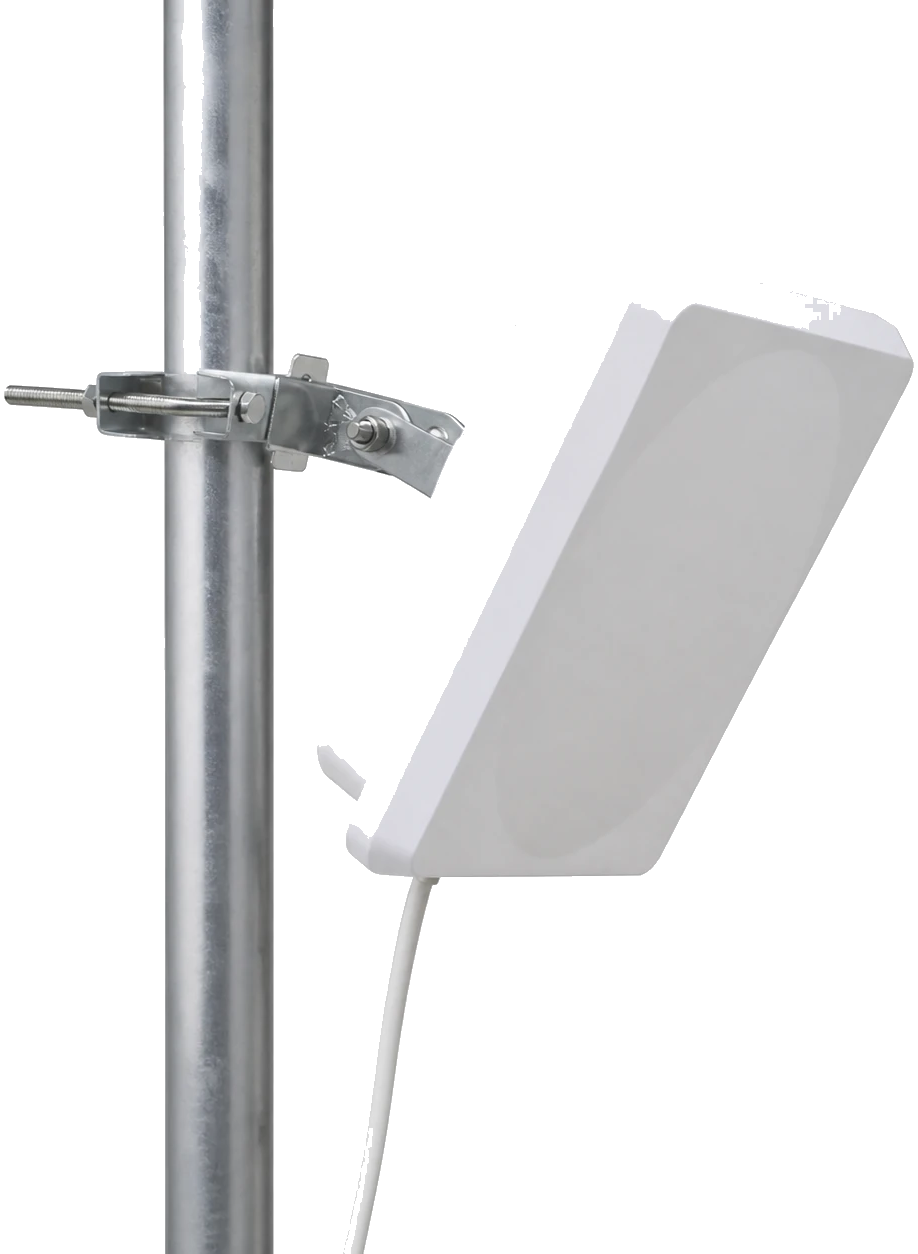
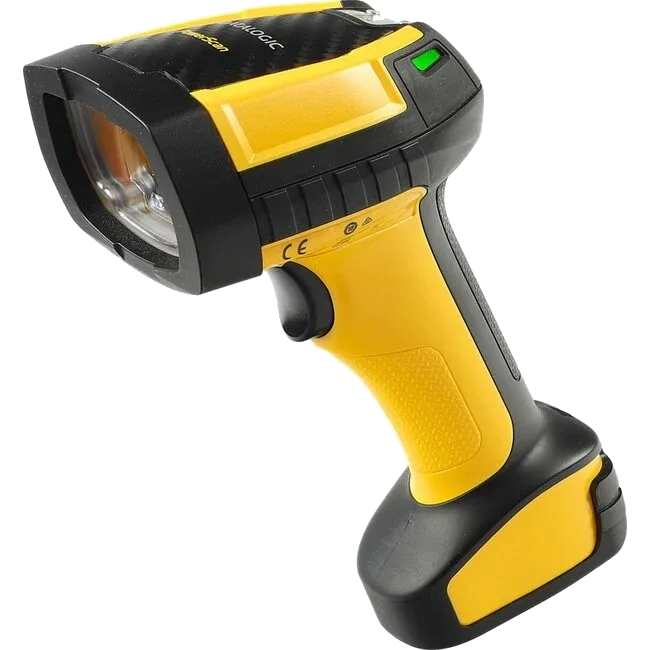
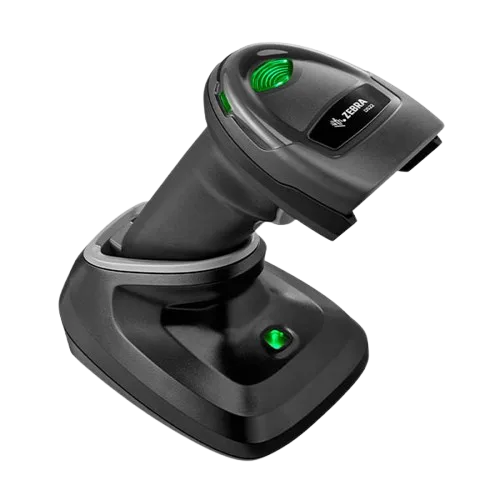
RFID readers are at the heart of Beam's scanning capabilities. They allow you to quickly identify and count inventory items by reading the RFID tags attached to them. Beam supports a range of handheld and fixed RFID readers from leading manufacturers. See Supported models, Setting up an RFID reader, and Configuring reader settings below.


Supported models

Beam is compatible with the following RFID reader models:

ModelTypeAntennasBest for
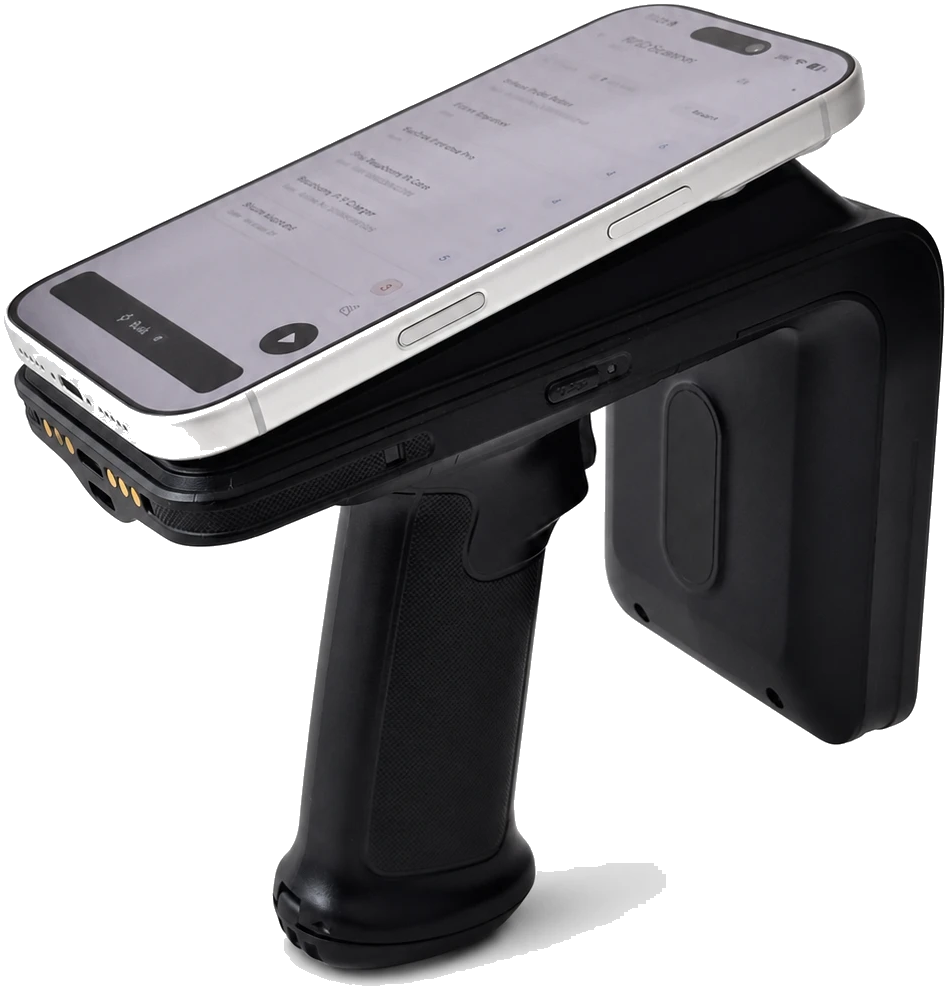
Chainway C66Handheld1Handheld scanning, slim form factor
Chainway C72Handheld1Handheld scanning, available with or without integrated barcode scanner
Chainway C83Handheld1Handheld scanning, newer Android version
UrovoHandheld1Handheld mobile scanning
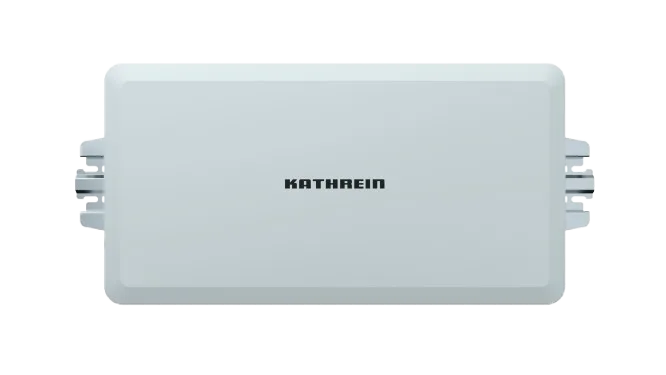
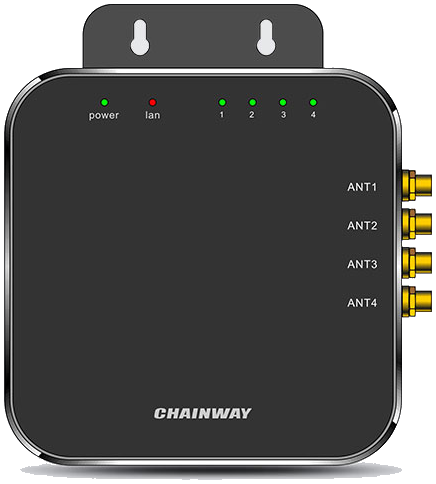
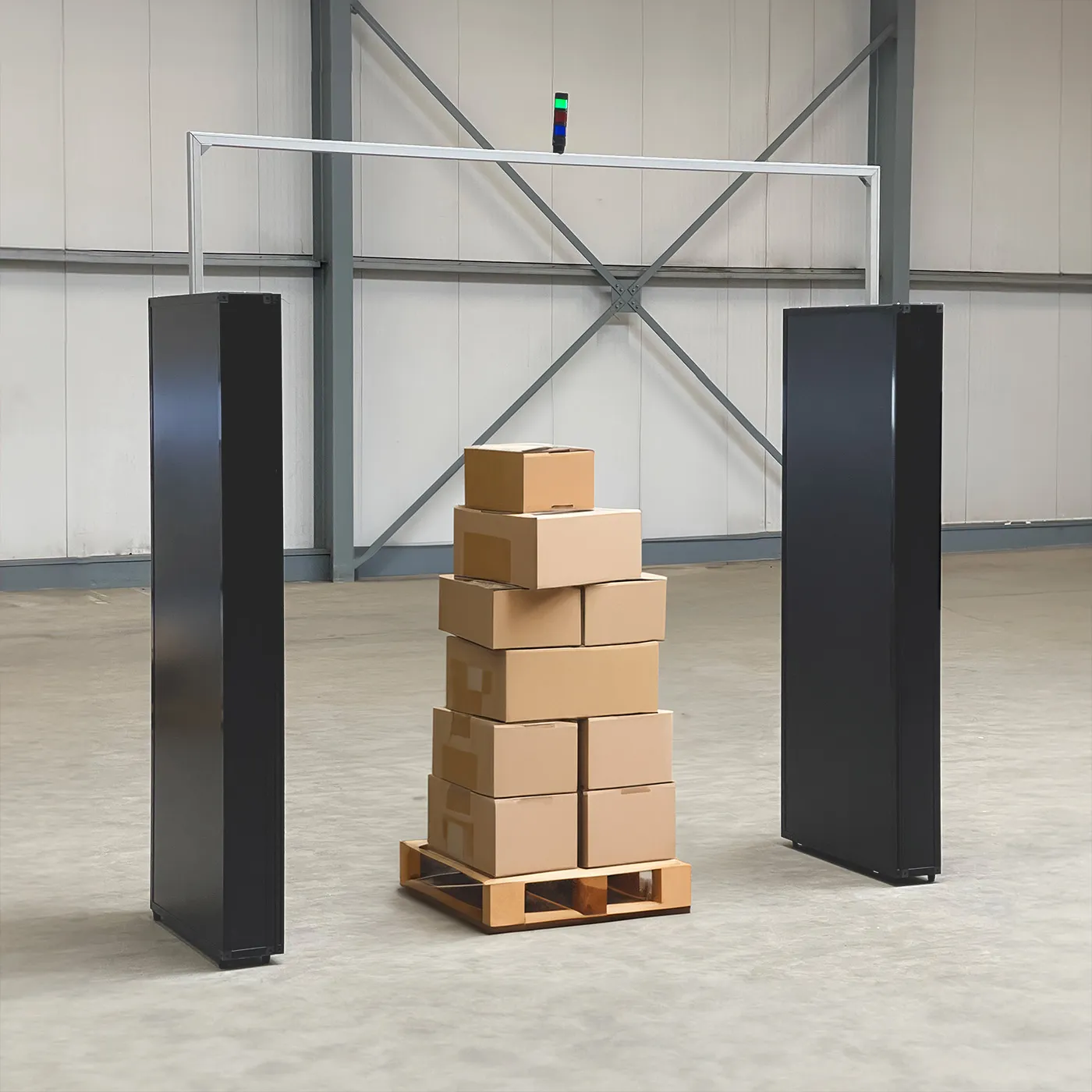
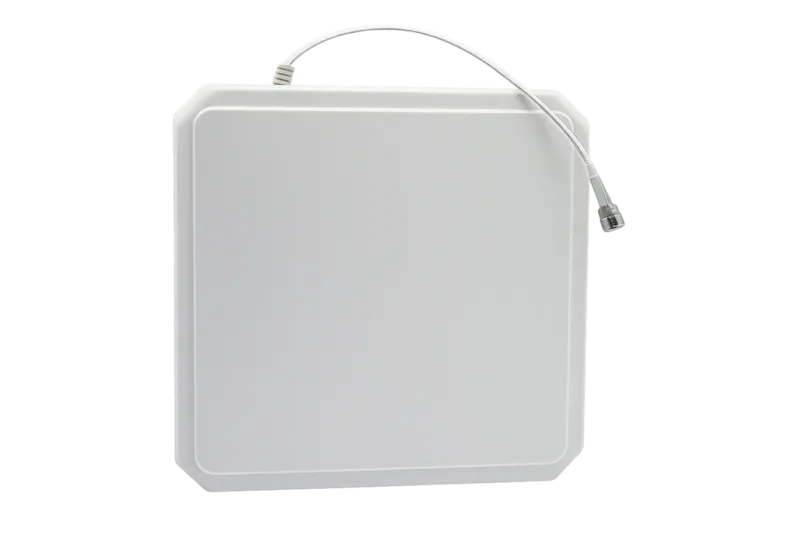
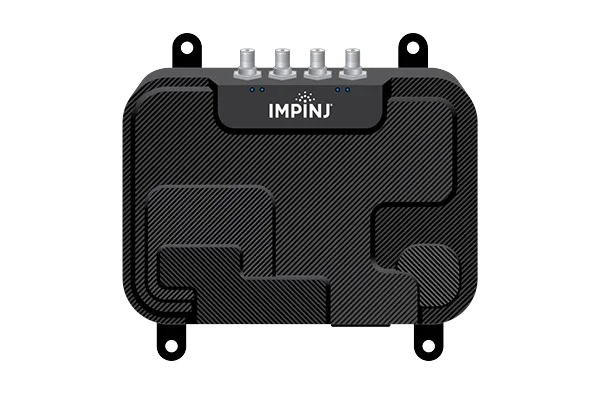
Impinj R700Fixed4Fixed scanning, direct network or via Beam IoT Bridge
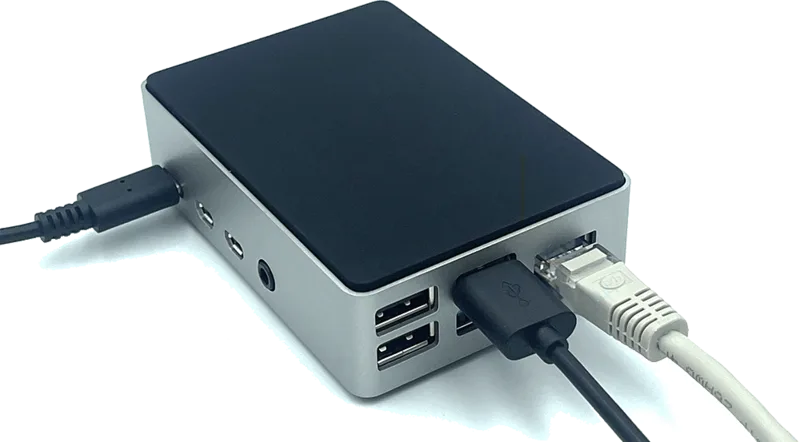
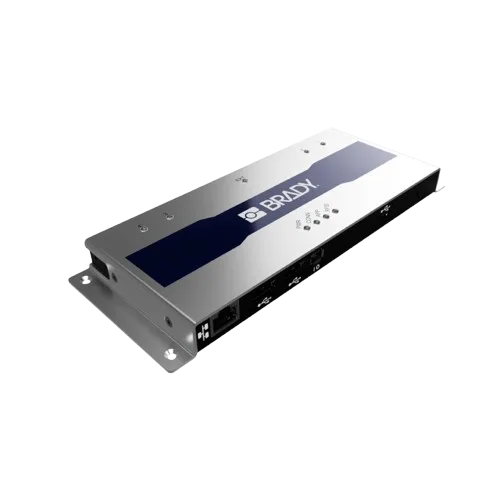
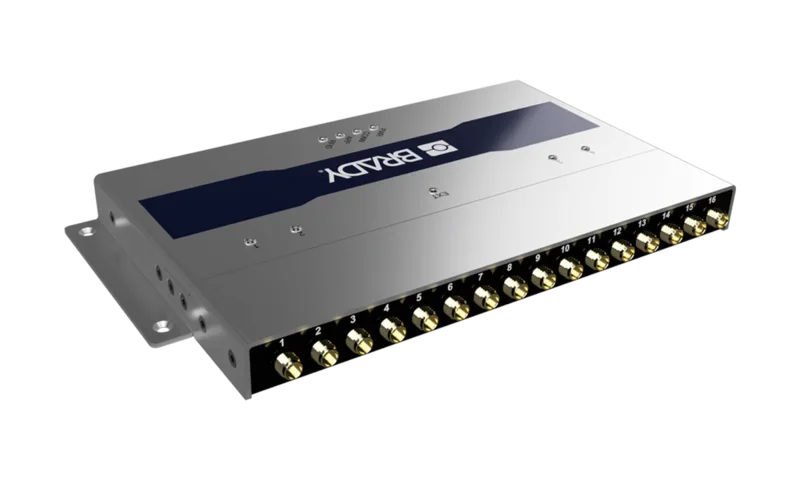
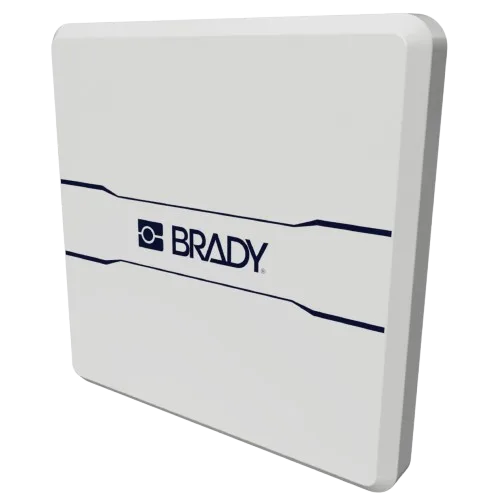
Brady RF22 LiteFixed4 (extendable to 16)Fixed scanning, only available in combination with Beam Bridge

Setting up an RFID reader

To connect an RFID reader to Beam, use the flow described in Add Network Devices (scan or enter IP, then choose RFID Reader as device type). Summary:

  1. Open Devices Overview via Settings and tap +, then choose Device.
  2. You go to Add Network Devices. Start a scan or enter an IP manually.
  3. Choose the connection type (Local WiFi or via Beam Bridge) and select RFID Reader as the device type.
  4. Select your reader from the list of discovered devices.
  5. Give the reader a name and optionally assign an icon and color.
  6. Tap Save to complete the setup.
💡
Assign distinct colors and icons to each reader so your team can quickly identify which reader is which, especially when multiple readers are in use.

Configuring reader settings

After adding an RFID reader, you can fine-tune its settings to match your environment and workflow.

Not every setting is available on every reader; availability and behavior can differ between handheld models and between fixed models.

SettingApplies toNotes
PowerAll readers
SensitivityAll readers
Operation modeAll handhelds; some fixedOptions and behavior vary by model.
Session & targetAll readers
Antenna configurationFixed with multiple antennasImpinj R700, Brady RF22 Lite.
Duplicate eliminationAll readers
Sound & LED feedbackDepends on modelHandhelds and some fixed; check your device.

Power

Applies to: All readers.

Controls the transmission power of the reader. Higher power means longer read range but may pick up tags from adjacent areas. Lower power provides more focused, precise reads.

Sensitivity

Applies to: All readers.

Sets a minimum received signal strength: the reader filters out (ignores) reads that come in below this value. Works together with Power: power is how strong the reader transmits; sensitivity is the threshold above which a tag response is accepted. Higher sensitivity accepts weaker returns (e.g. tags farther away); lower sensitivity accepts only stronger returns and reduces reads from adjacent areas.

Operation mode

Applies to: All handhelds; some fixed readers. Options and behavior vary by model.

  • Continuous: The reader scans continuously as long as it is active.
  • Trigger: The reader scans only when a trigger button is pressed.

By device: On handhelds (Chainway, Urovo), Continuous and Trigger may be available; exact options differ by model. On fixed readers (e.g. Impinj R700, Brady RF22 Lite), available modes and labels can differ; check the configuration screen for your device.

Session & target

Applies to: All readers.

Session and target control how a tag responds when the reader sees it. They help you avoid double-counting and manage inventory rounds.

Session (S0, S1, S2, S3): Determines whether the tag changes state after being read. S0 means the tag does not change state; it can be read again immediately. That is useful for continuous presence detection (e.g. gate or conveyor). S1, S2, S3 mean the tag flips to another state after a read and only returns to the original state after a certain time or after the next read. That makes it easier to count each tag once per scan round and reduces duplicate reads. The difference between S1, S2 and S3 is how long the tag keeps the inverted state: S1 short (quick reset, for rapid successive rounds), S2 medium, S3 long (for long inventory rounds with many tags). Higher sessions (S1–S3) can also help with reading tags that are harder to read.

Target (A or B): Each tag has two inventory states (A and B). In one scan round (one continuous inventory pass) the reader typically counts only tags in one state (e.g. A). When it reads a tag, it flips that tag to the other state (e.g. A→B), so the tag is no longer in the counted group and is not seen again in the same round. Target is which of the two states (A or B) is toggled when a tag is read. Together with session (which sets how long the tag keeps the new state), this ensures each tag is counted once per scan round.

Antenna configuration

Applies to: Fixed readers with multiple antennas (Impinj R700, Brady RF22 Lite).

For multi-antenna readers, you can enable or disable individual antennas and set the power level for each one independently. This is useful for directing the read zone to specific areas.

Duplicate elimination

Applies to: All readers.

Controls how the reader handles tags that are read multiple times. Enable this to ensure each unique tag is only reported once per scan session.

Sound & LED feedback

Applies to: Depends on model. Available on all handhelds; on fixed readers, check your device.

Configure audible beeps and LED indicators on the reader itself to provide immediate feedback when tags are read. This helps operators confirm that scanning is working without looking at the screen.