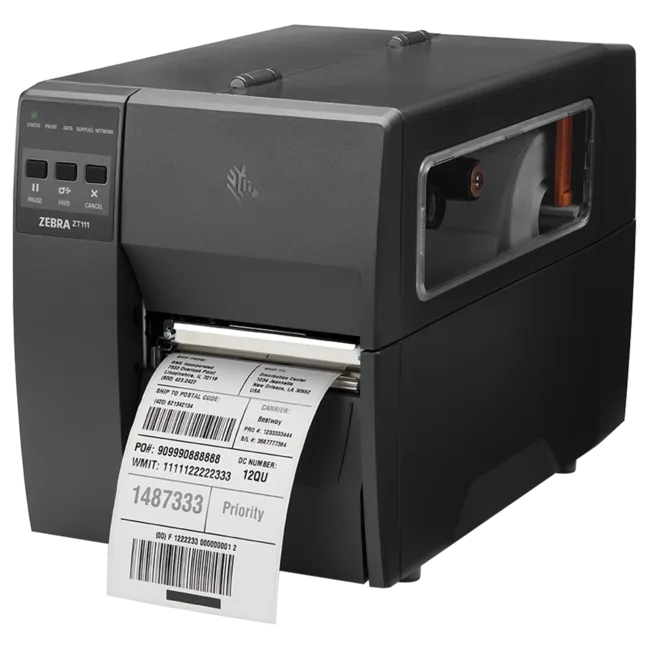
Zebra ZT111 203dpi Label Printer
Industrial label printer, Beam compatible
From €695
Barcode Scanners
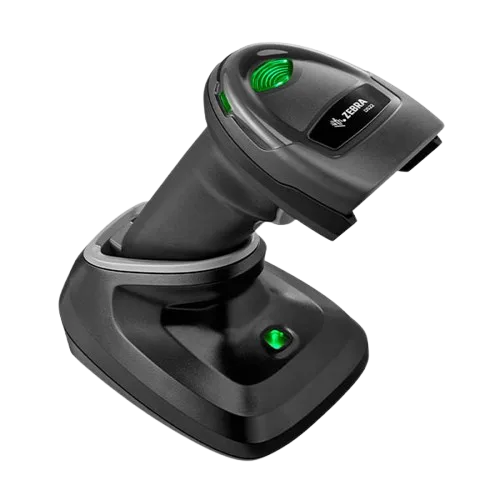
Zebra 2D barcode scanner DS2278-SR incl. cradle. For use at computer or fixed workstation with Beam app. Wireless Bluetooth scanning with automatic pairing via cradle for a seamless desktop experience.
The Zebra DS2278 connects wirelessly via Bluetooth while the included cradle handles charging and USB communication with your computer. Simply pick up, scan, and place back. Perfect for receiving, packing stations and front desk operations.
The DS2278 comes with its cradle, USB cable and everything you need to start scanning immediately. The cradle serves as both charger and communication bridge. Place the scanner in the cradle and it charges while staying connected to your computer.
The package includes the DS2278 scanner, charging/communication cradle, and USB cable. Everything you need to start scanning out of the box. Just plug the cradle into your computer and pair the scanner.
Yes. The DS2278 connects via Bluetooth and can be used wirelessly within range. The cradle is for charging and USB communication to your computer, but you can scan freely while away from it.
Yes. The DS2278 is a full 2D imager that reads all common barcode types including QR codes, Data Matrix, PDF417, and all standard 1D barcodes like Code 128, EAN and UPC.
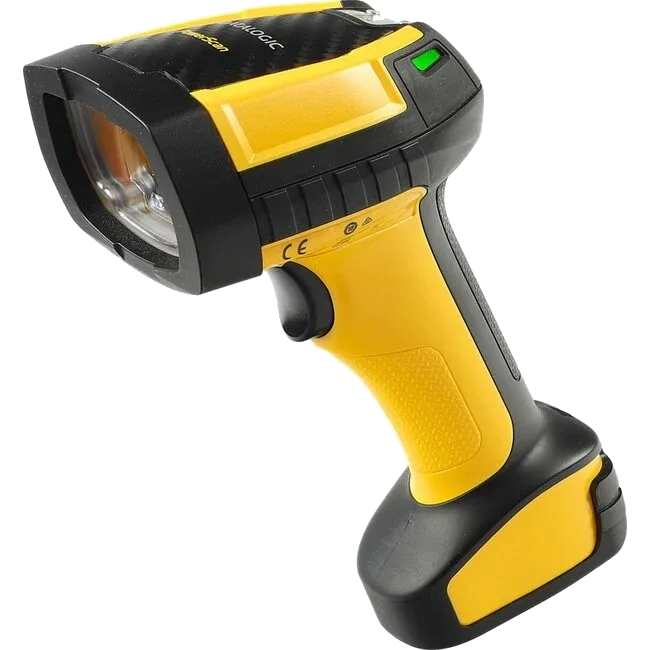
The DS2278 is best suited for fixed workstations, reception desks, and packing stations. For mobile warehouse scanning or long range needs, consider the PBT9600 or Beam Handheld Scanner instead.
The scanner acts as a keyboard input via the cradle USB connection. When you scan a barcode, it types the code directly into the Beam app on your computer. No special drivers or software needed.
A reader’s ability to connect does not prove that every tag can be read reliably in every environment. That is why hardware, tags, products, read zones, volumes and exceptions are tested together before any performance commitment becomes part of the scope.
Product specifications describe the device. The right model, connectivity, availability and price are confirmed in your quote.
Discuss your requirements →